
Next Wallet
Redesigned browser wallet built on Conceal’s wallet-sdk; choose Desktop if you want the most established option.
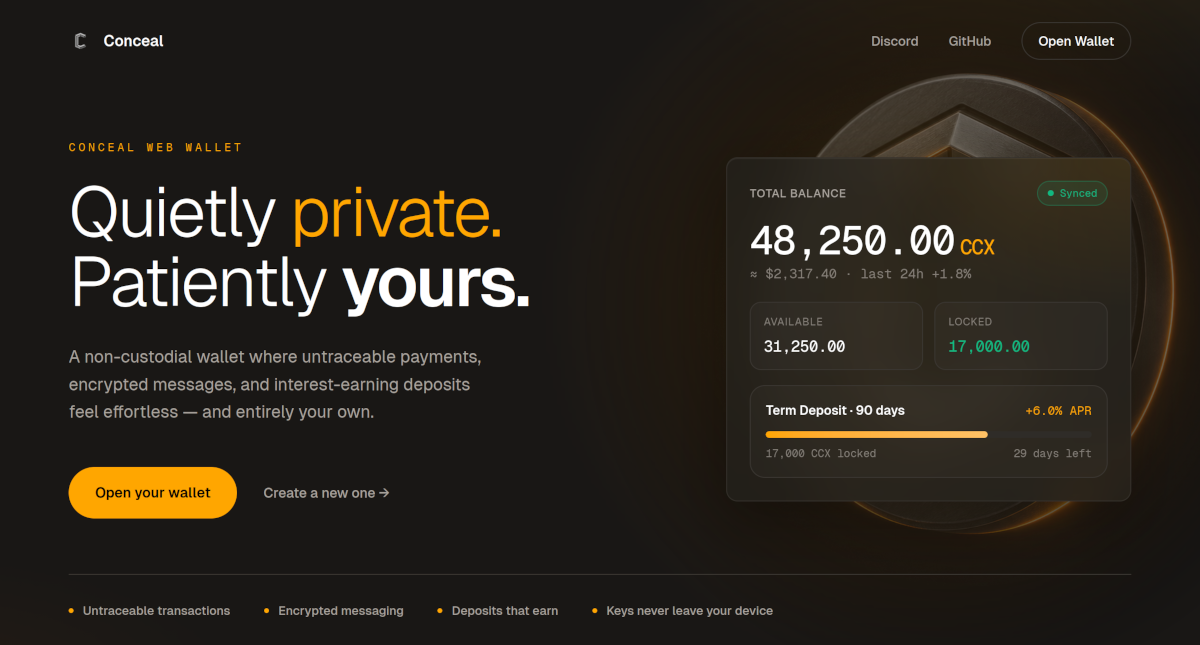
Next Wallet is the redesigned successor to the Web Wallet, built on Conceal’s wallet-sdk. It runs in a browser, with the same device exposure as the Web Wallet. If you are unsure which to use, prefer the Desktop wallet.
Browser setup
Use the same browser setup as the Web Wallet:
- Use a dedicated browser or browser profile only for the wallet. Do not open other sites in that same window.
- Leave extensions off in that profile. A password manager is the one type that can look relevant; it still injects into pages, so prefer none.
- Private (incognito) browsing reduces leftover data on the machine, but the wallet will not stay after you close that window. Use it only if you will restore from an export each time. For everyday use, a dedicated profile that you keep is simpler.
- Clearing that profile, replacing the device, or losing the export interrupts access. A browser session is not a recovery plan.
Messages and Pulse
After two wallets exchange a payment ID, Next Wallet treats that as an established relationship:
- Threaded messages — their messages appear as a conversation thread instead of a flat list.
- Pulse — either side can send a Pulse for a period of time to signal availability, for example radio silence, sick, or do not disturb.
These features do not replace messaging habits: confirm important payment details out of band, and keep recovery information out of messages.
Evaluate before use
Read the repository, release notes, and security policy, and keep a verified backup before you change wallets. Report security concerns through the repository's documented security process rather than posting sensitive details publicly.
Interface preview
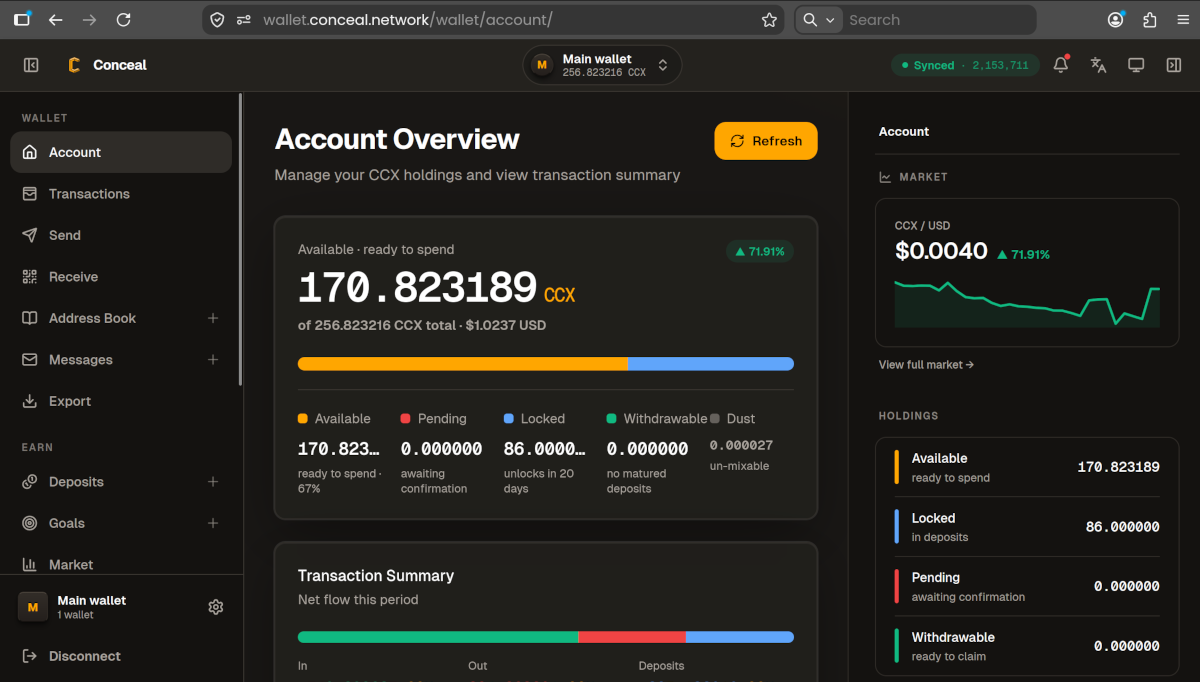
The account overview is the signed-in home after you open a wallet. Layout and labels can change without notice.