

Conceal Mobile
Install Conceal Mobile from F-Droid for automatic updates, or verify a GitHub APK.
Conceal Mobile is the official Android wallet. Install it from F-Droid when you can: F-Droid builds the signed package from the project tag and delivers seamless upgrades through the F-Droid client.
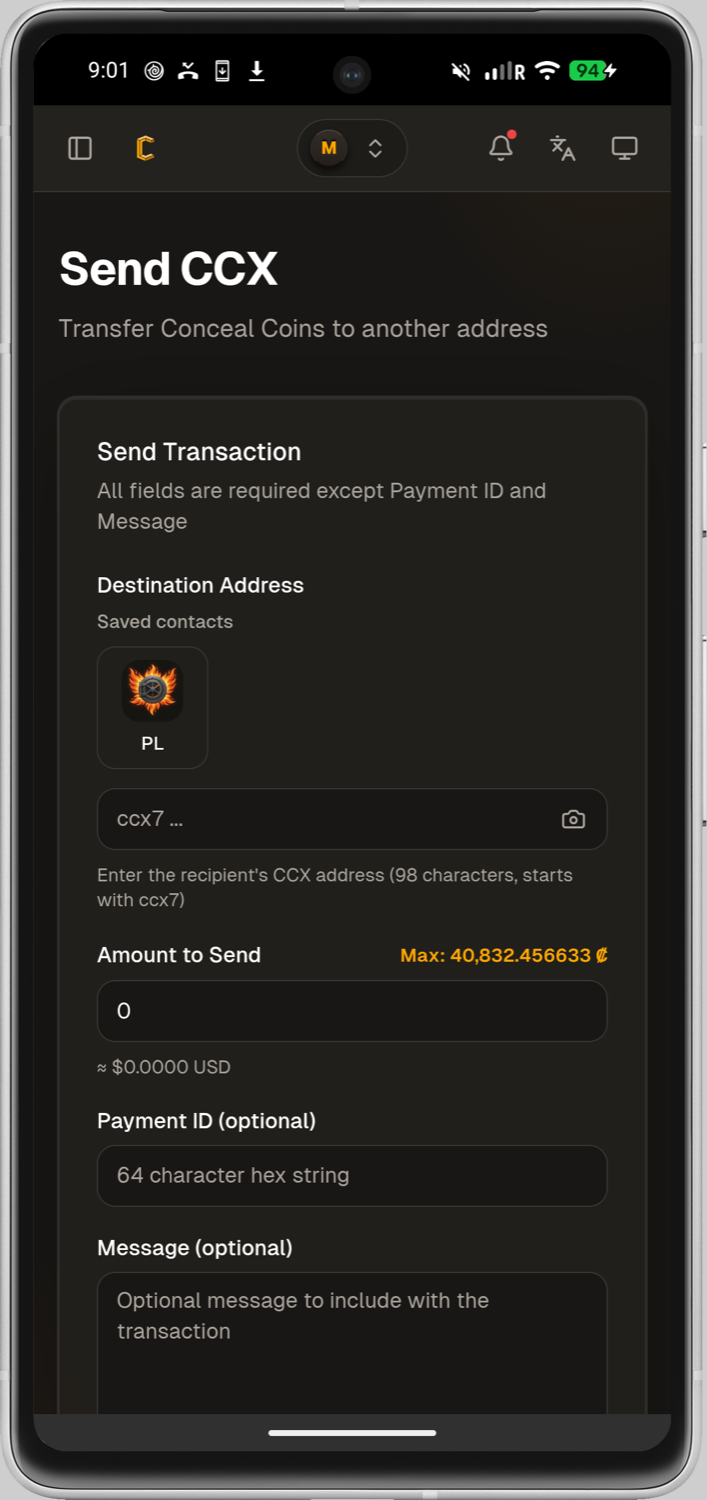
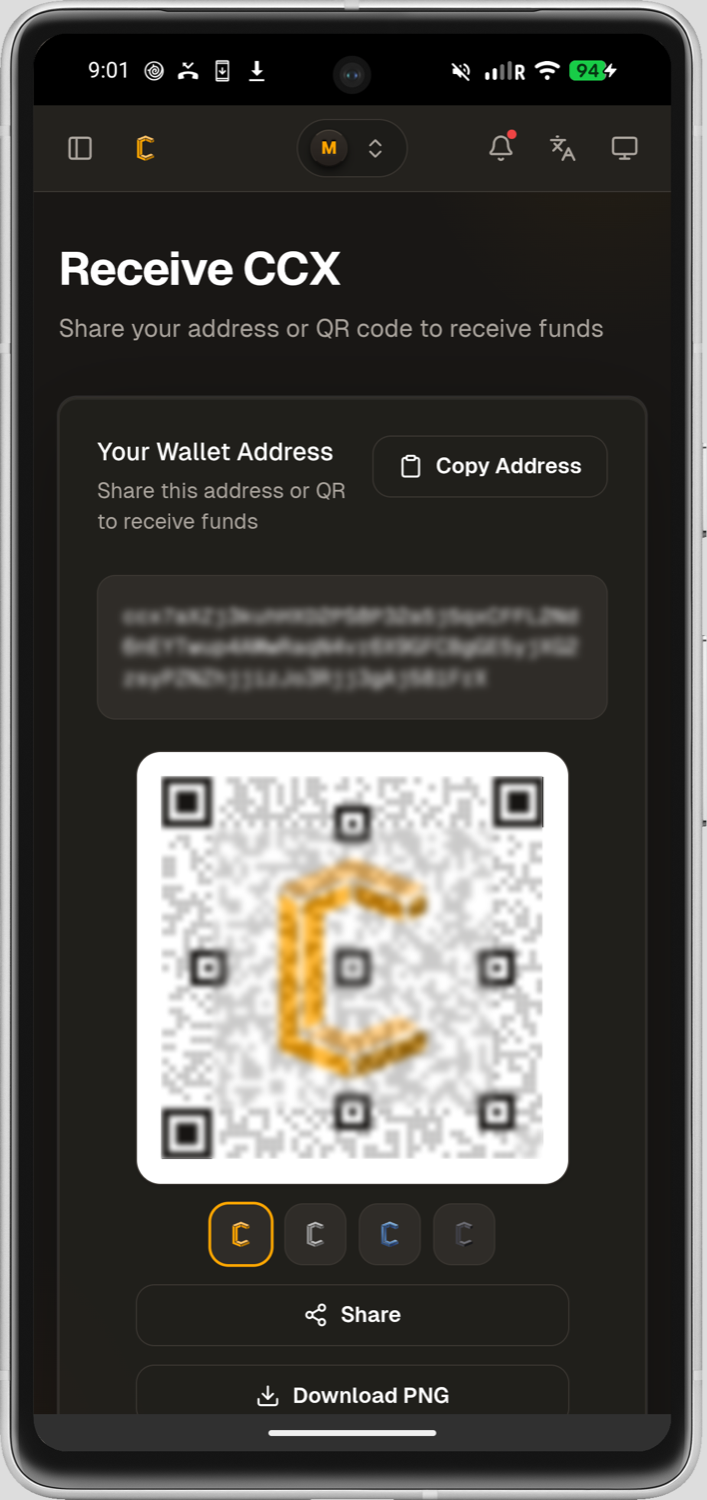
Install from F-Droid
- Open the Conceal Mobile F-Droid page from the F-Droid client or a trusted browser.
- Confirm the package name is
com.concealnetwork.concealmobile. - Install through the F-Droid client so later versions arrive as ordinary app updates.
- Complete a private recovery backup before moving funds or replacing a device.
A direct APK from that F-Droid page works, but it will not notify you of upgrades. The client is the path that keeps the app current.
Before any app upgrade or phone change, export the wallet to a file you keep privately. That file is the fastest way to restore Conceal Mobile and continue where you left off. Follow Update or Move a Wallet when the device itself is changing.
Install a GitHub APK
Use a GitHub APK when you cannot use F-Droid. The -f-droid suffix on a release tag is the build marker F-Droid consumes; it is not a product name.
- Start at the official Android releases page and select the intended asset.
- Read the release notes and compare the version and published integrity information with the downloaded APK.
- If a checksum or signature is published, verify it locally before installation.
- Confirm that the installation prompt names Conceal Mobile and that the package came from that official release, rather than a re-upload, chat attachment, or unofficial store.
- Complete a private recovery backup before moving funds or replacing a device.
Android platform protections and installation prompts can differ by device and version. Keep the device updated, lock it appropriately, and do not disable security protections merely to install a wallet from an unverified source.